



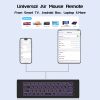
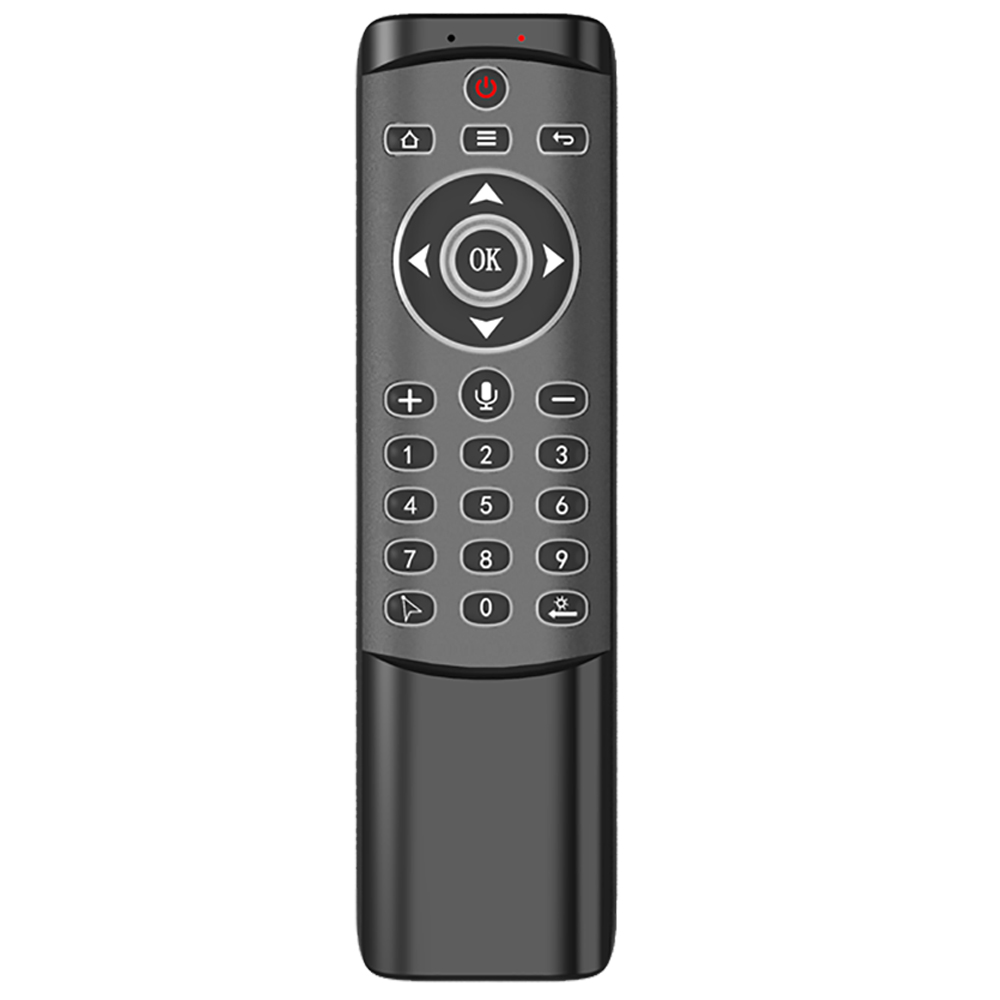
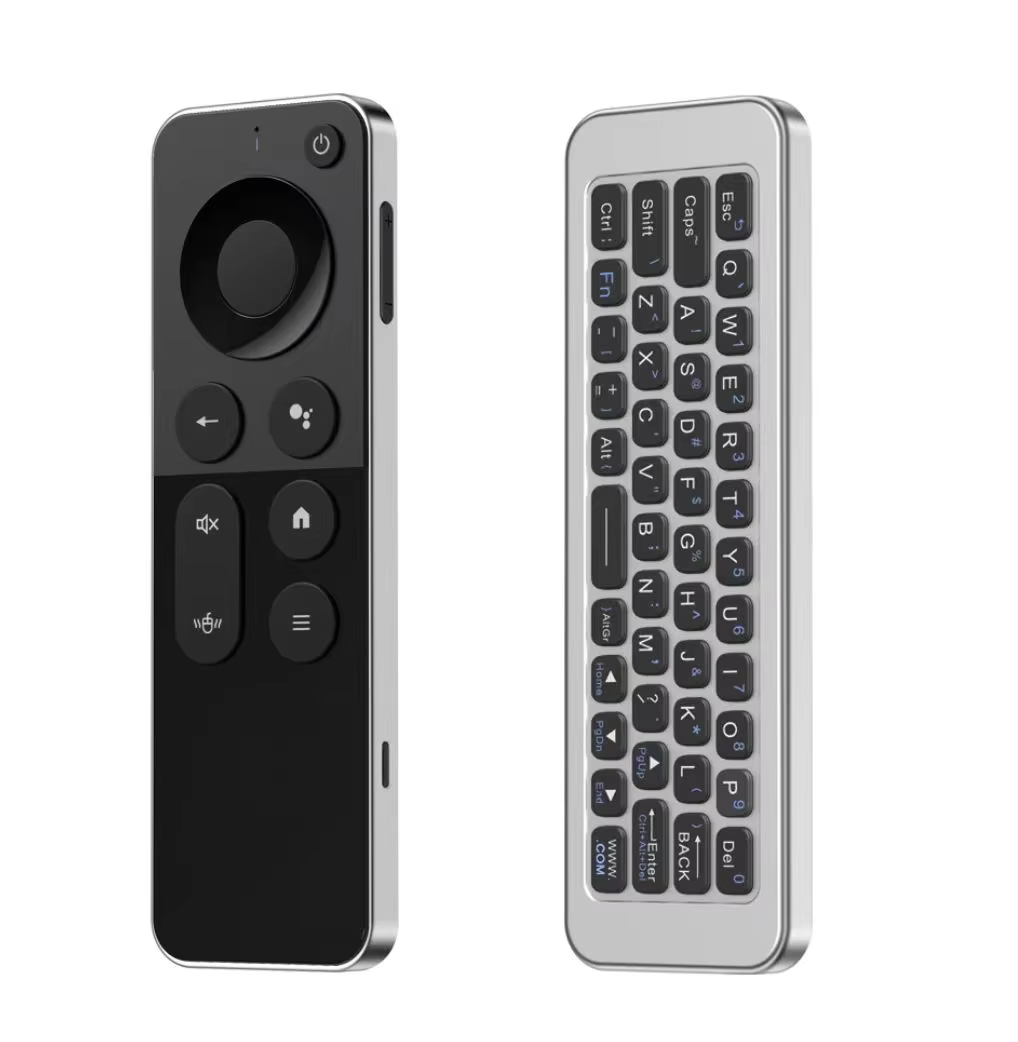
iPazzPort Air Mouse & PC Remote Keyboard: Bluetooth & 2.4G Backlit, Rechargeable Aluminum Alloy Design, Compatible with Laptop, Android TV Box, HTPC
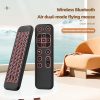
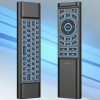
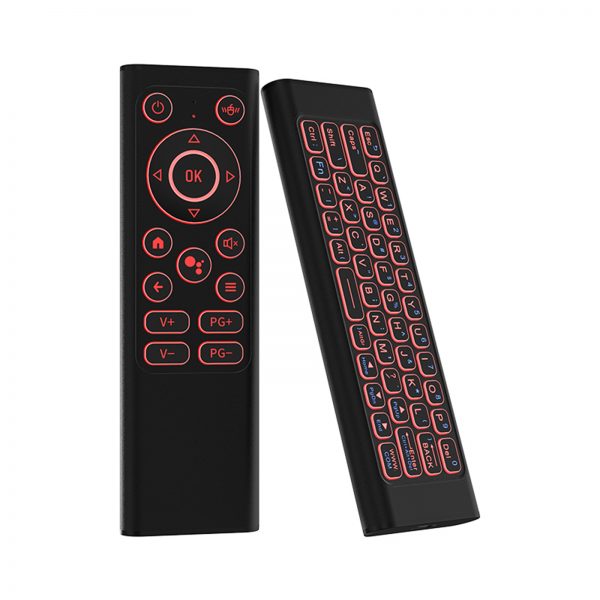
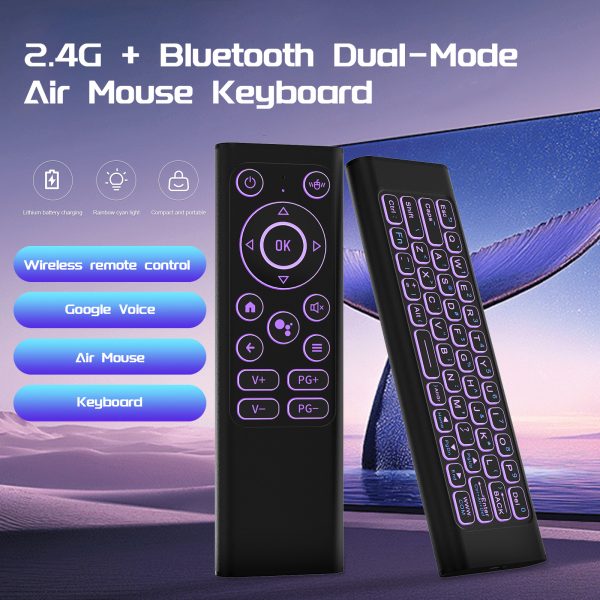
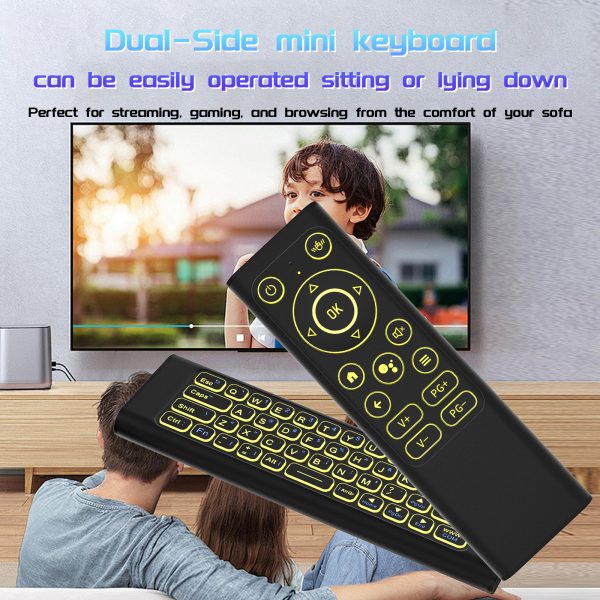
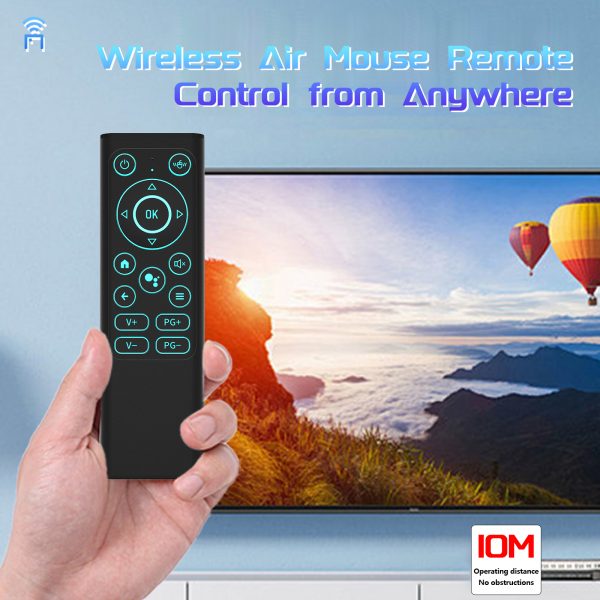
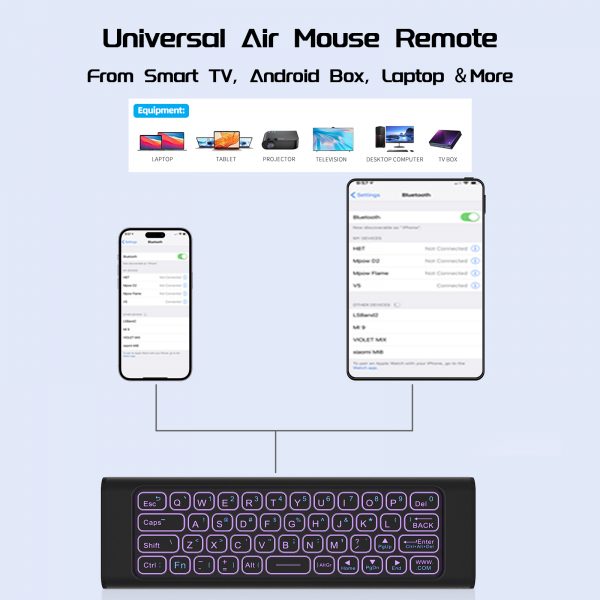
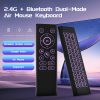
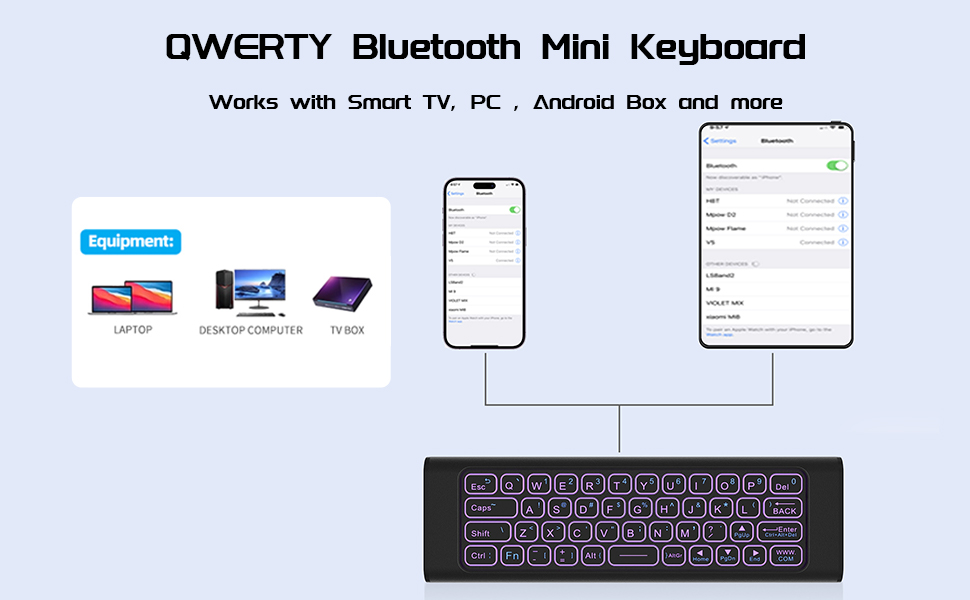
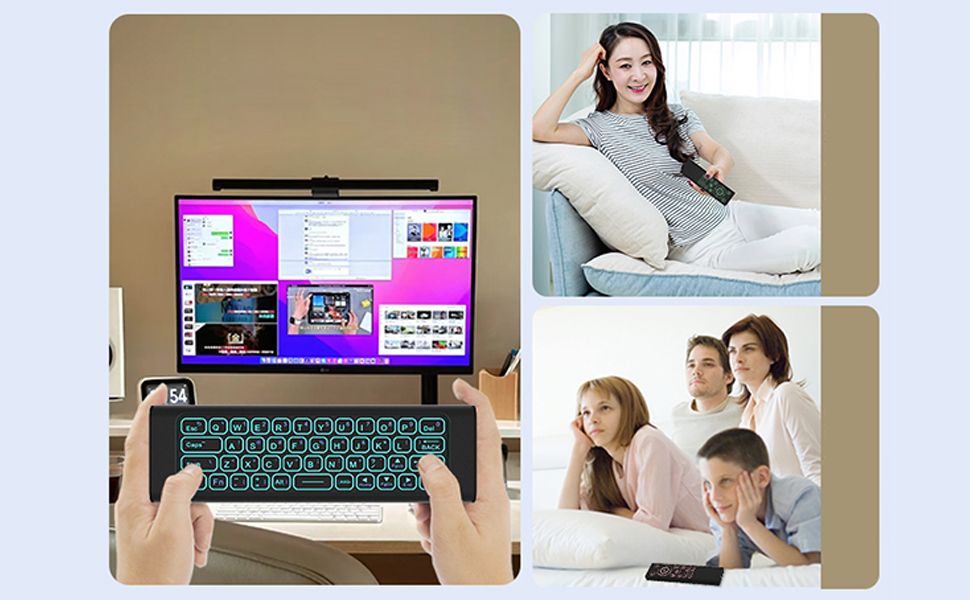
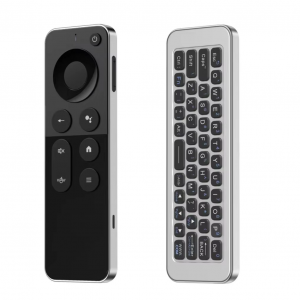
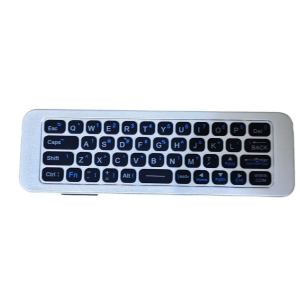
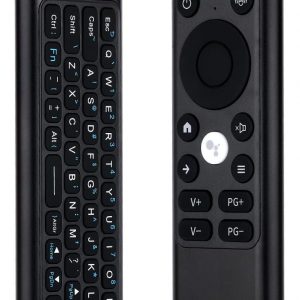
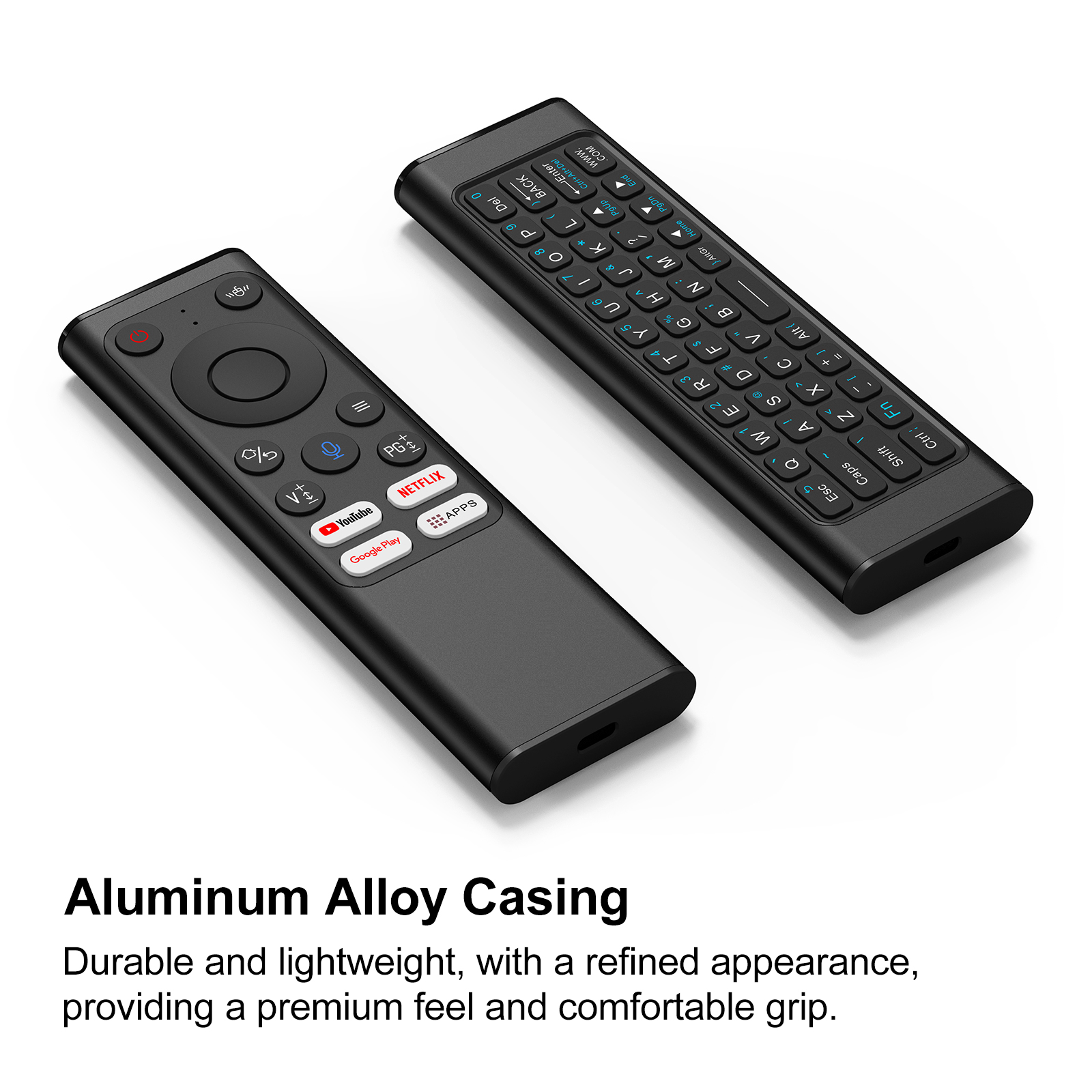
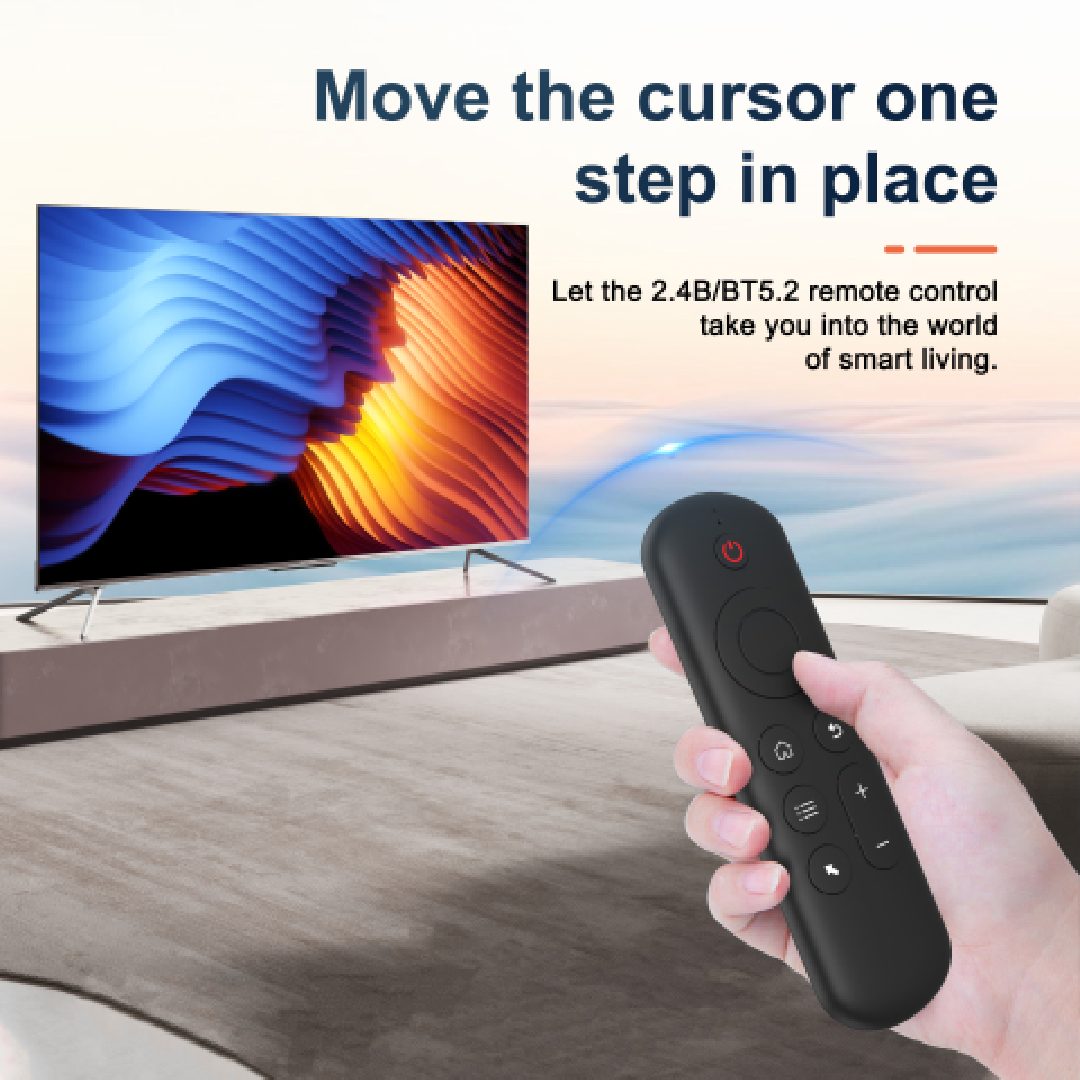
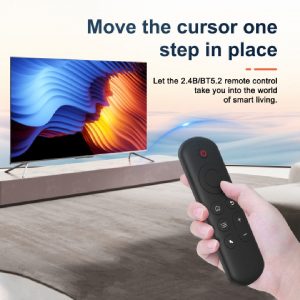
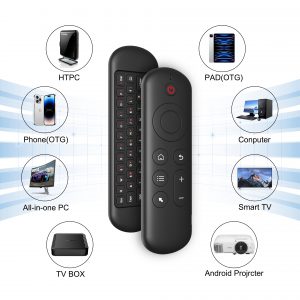
【Mini Wireless Keyboard Remote】All-in-one design combines wireless keyboard, air mouse, and remote control. Perfect for Smart TV, Android TV Box, Fire Stick, HTPC, projector, laptop, Raspberry Pi, gaming console, and home theater system
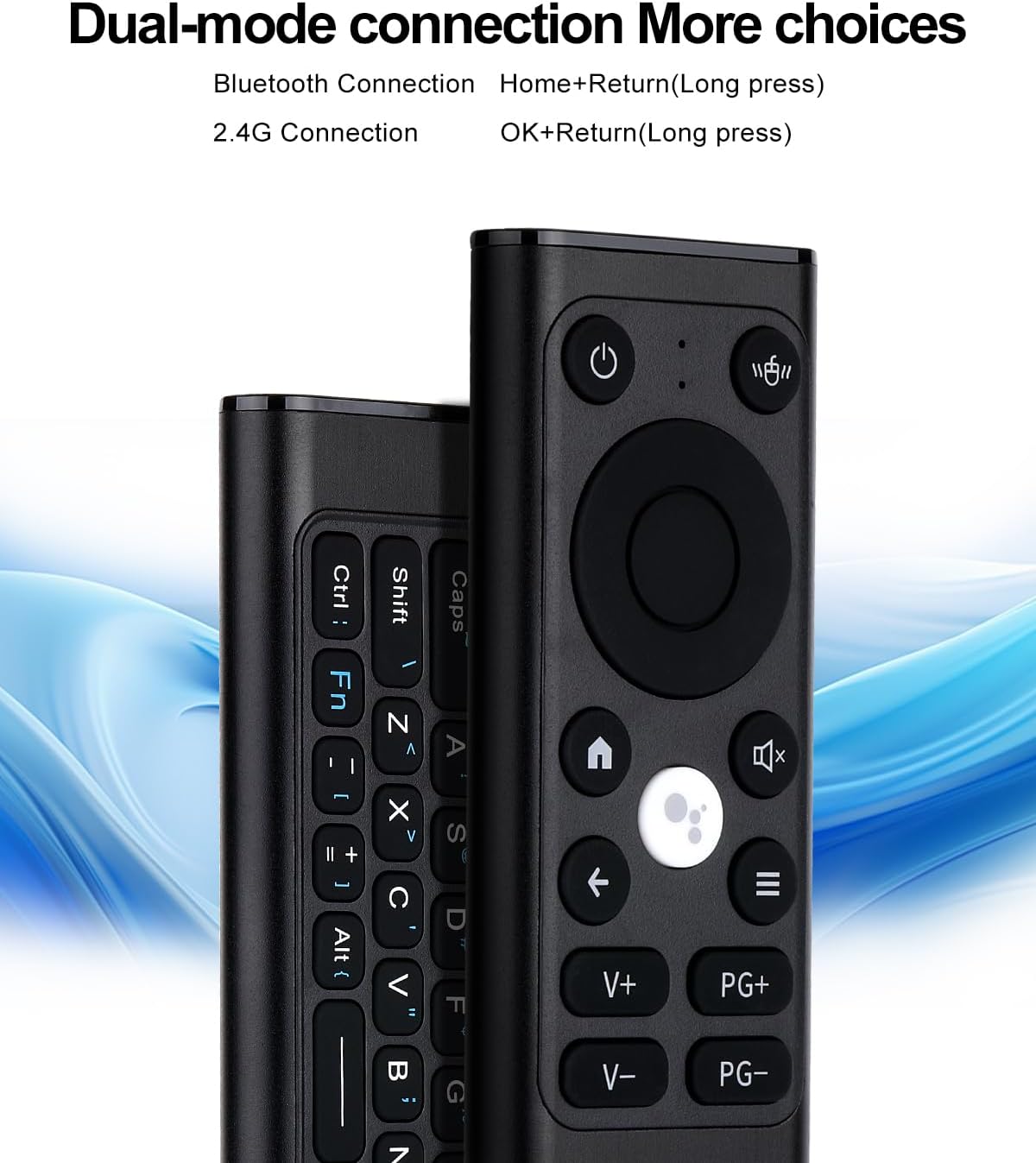
【Bluetooth & 2.4G Dual Connection】Dual wireless mode with Bluetooth and 2.4GHz USB receiver, plug & play, stable signal, fast response. Wide compatibility with Windows, macOS, Linux, Android, Smart TV, and more
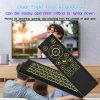
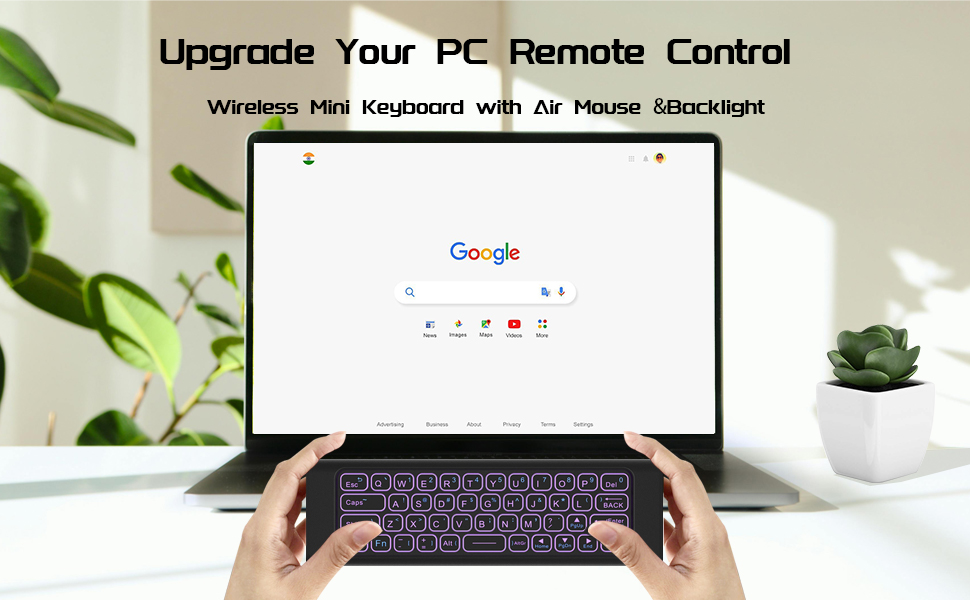
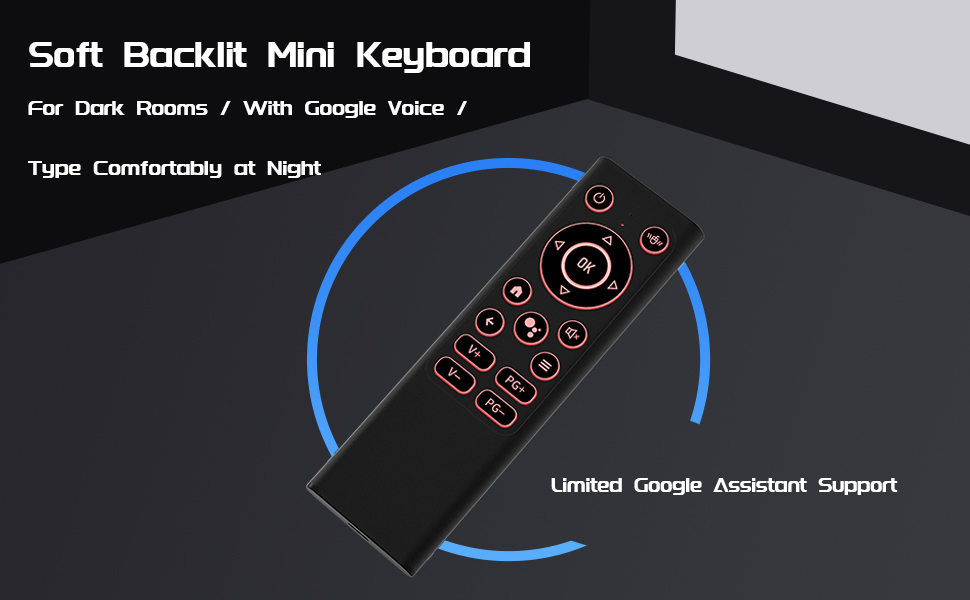
【7-Color LED Backlit Keyboard】Multi-color LED backlight for night use, ideal for gaming, streaming, browsing, presentations, and multimedia control. Adjustable brightness ensures comfortable typing in any environment
【Durable Aluminum Alloy Housing】 Black aluminum shell provides premium texture, anti-fingerprint, anti-scratch, more durable than plastic keyboards. Portable pocket size design fits travel, office, and living room use
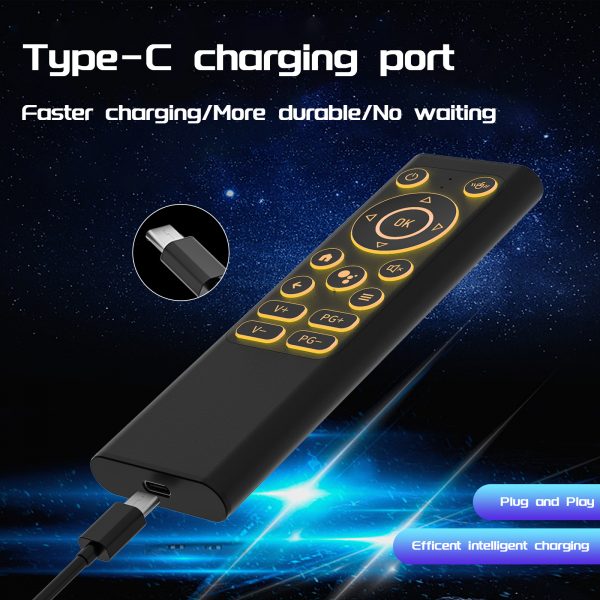
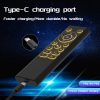
【Rechargeable & Portable】Built-in rechargeable battery with type-C charging. Lightweight mini wireless keyboard with long standby time, great for TV remote replacement, portable keyboard for PC, HTPC, projector, and entertainment
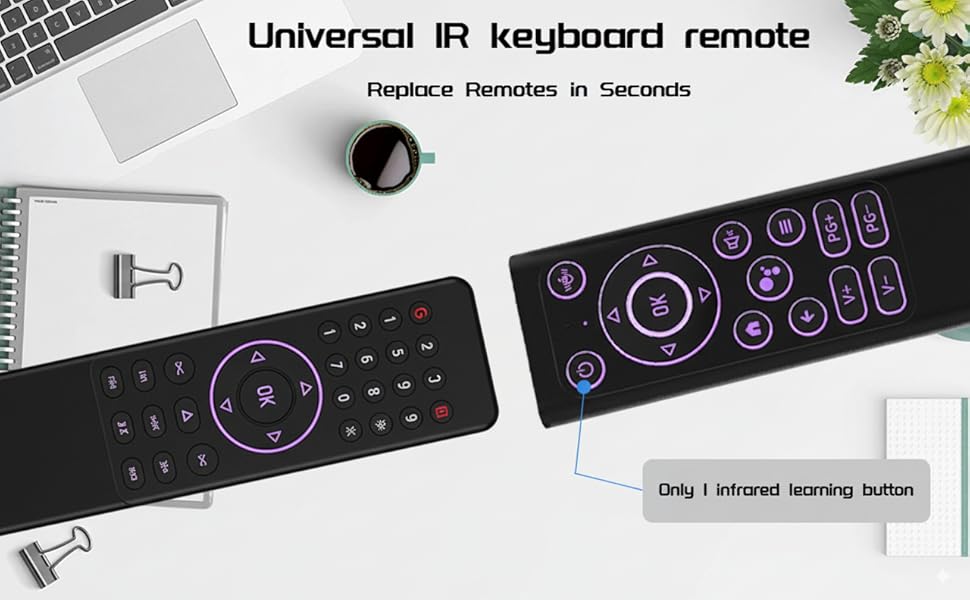
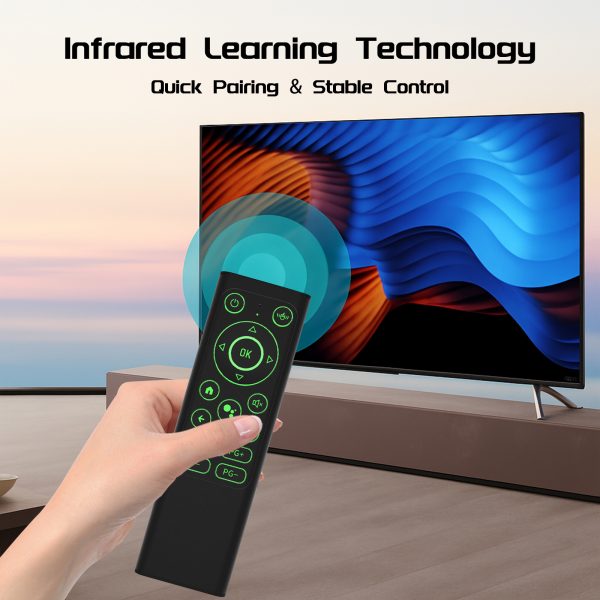
Precautions before infrared learning( 1 IR learning key:Power)
Make sure our product is fully charged and your TV remote supports the NEC protocol.
Align the top of the keypad with the top of the TV remote control at a distance of no more than 0.1feet in.
The indicator lights on the Flying Mouse keyboard should follow the above states: long on or blinking, if the corresponding light does not appear, please try again.
During the learning process, avoid too long or too short presses.
Avoid obvious pause between actions, keep the consistency of operation.
How to learn the IR function
Long-press the Flying Mouse Keyboard’s power on/off button until Flying Mouse’s indicator keep on then blinks rapidly, release
Long-press the TV remote’s power on/off button until the Flying Mouse’s indicator blinks rapidly then goes off, releaseShort-press the Flying Mouse keyboard’s power on/off button, releas
$26.99 $23.99
- Description
- Reviews (0)
Description
Only logged in customers who have purchased this product may leave a review.
Related Products
-
iPazzPort Air Remote Mouse Control with Backlit Voice Input, 2.4G Wireless IR Learning Air Fly Mouse Remote for Google Smart TV,Android TV Box,Projector,Nvidia Shield,HTPC,PC,Xbox Raspberry pi 3,PS3
$19.98$10.99 -
iPazzPort Air Mouse 4-in-1 Voice Remote 2.4g Wireless Remote Control for Nvidia Shield/Android Tv Box/PC/Projector/HTPC/All-in-one PC
$39.99$18.99 -
iPazzPort Mini Keyboard 2.4G&Bluetooth Wireless Universal TV Remote Keyboard with Air Mouse and IR, Rechargeable,Aluminum Alloy
$39.99$24.95 -
iPazzPort PC Remote Control,Air Mouse Remote with Keyboard, 2.4G & Bluetooth QWERTY Keyboard Controller for Windows 10,11, HTPC
$36.95$23.85 -
iPazzPort Gyroscope Air Mouse mini keyboard 2.4G BT 5.2 Remote Control 7 Color Backlight for Android TV Smart TV Box PC Laptop
$19.95$13.95

Reviews
There are no reviews yet.